
Lightweight Whiteboard
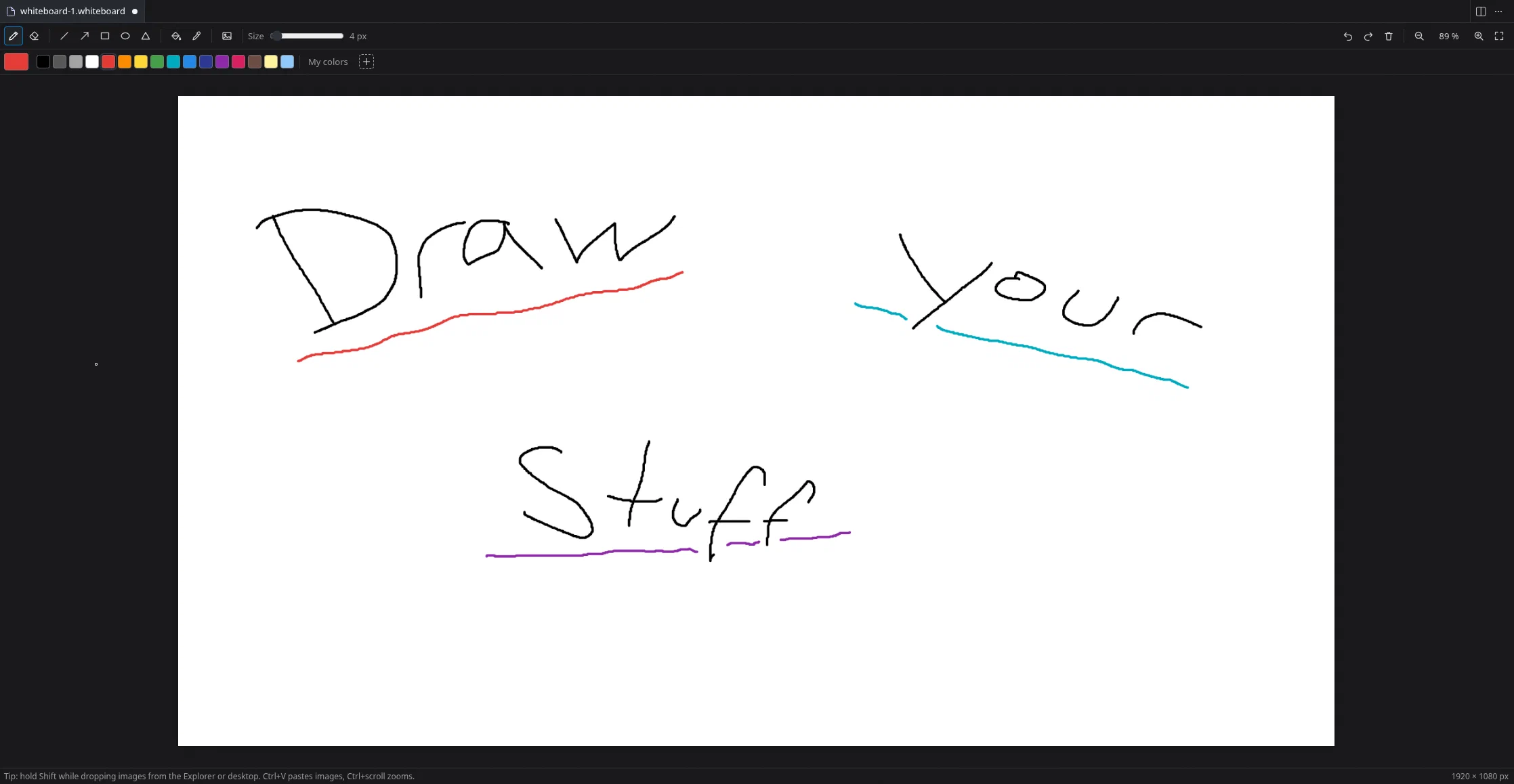
A whiteboard inside VS Code with custom colors, shapes, a fill bucket and images.
About
Open a board next to your code and sketch an idea, plan a feature or mark up a screenshot without switching to another program. Each board is stored as a normal PNG file, so it lives in your project like any other file.
- Pen and eraser with adjustable size
- Line, arrow, rectangle, ellipse and triangle, as outline or filled
- Fill bucket with adjustable tolerance
- Color palette, color picker and your own saved colors
- Images via drag and drop, paste or file dialog
- Undo, redo, save and revert like in any other editor